
Auto Subtitle Generator vs VEED for captioning a video
Both can generate, edit and burn captions into a video. They are different kinds of product: one is a caption tool, the other a full online editor with captions inside it. Here is how they compare on the captioning job.
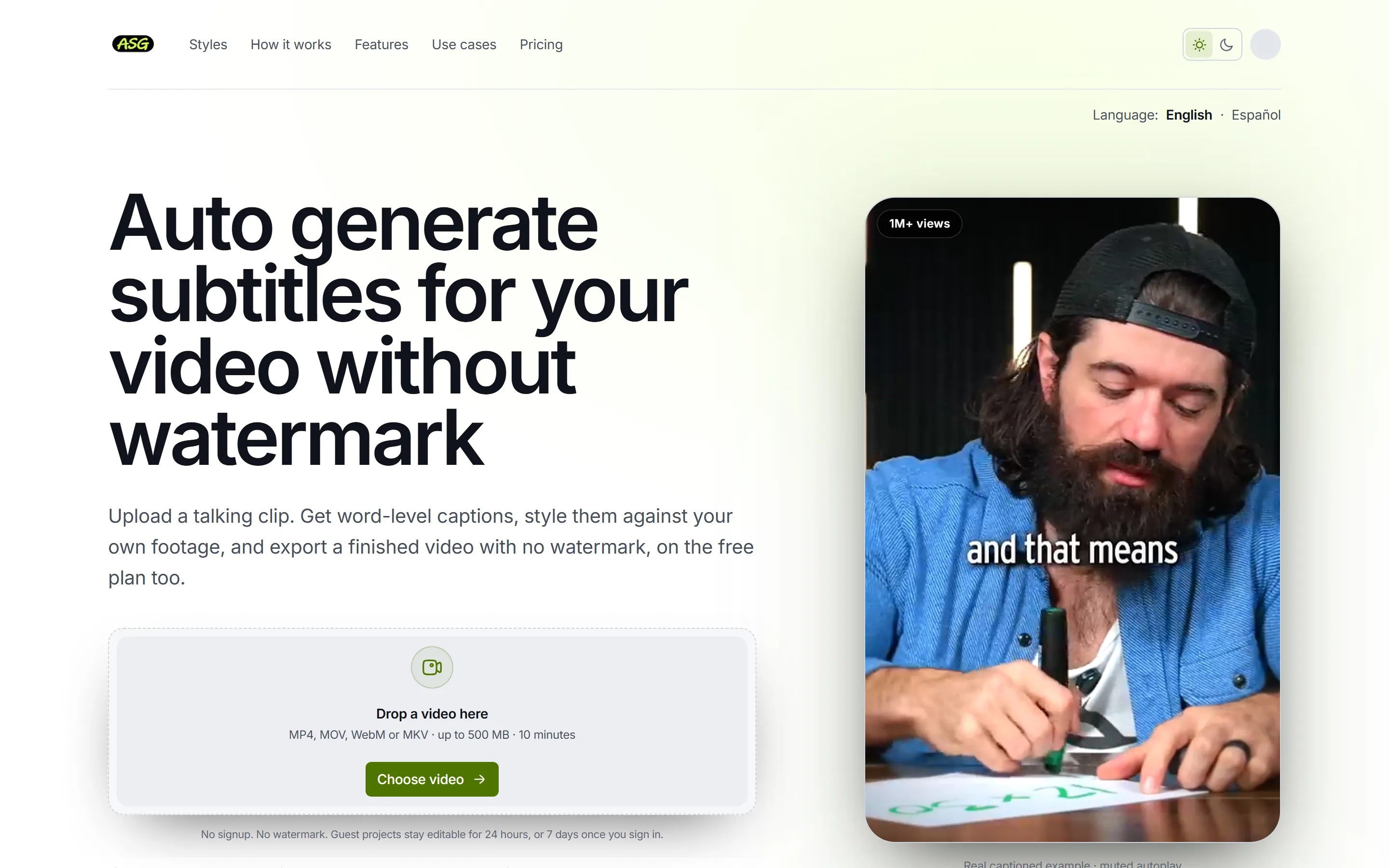
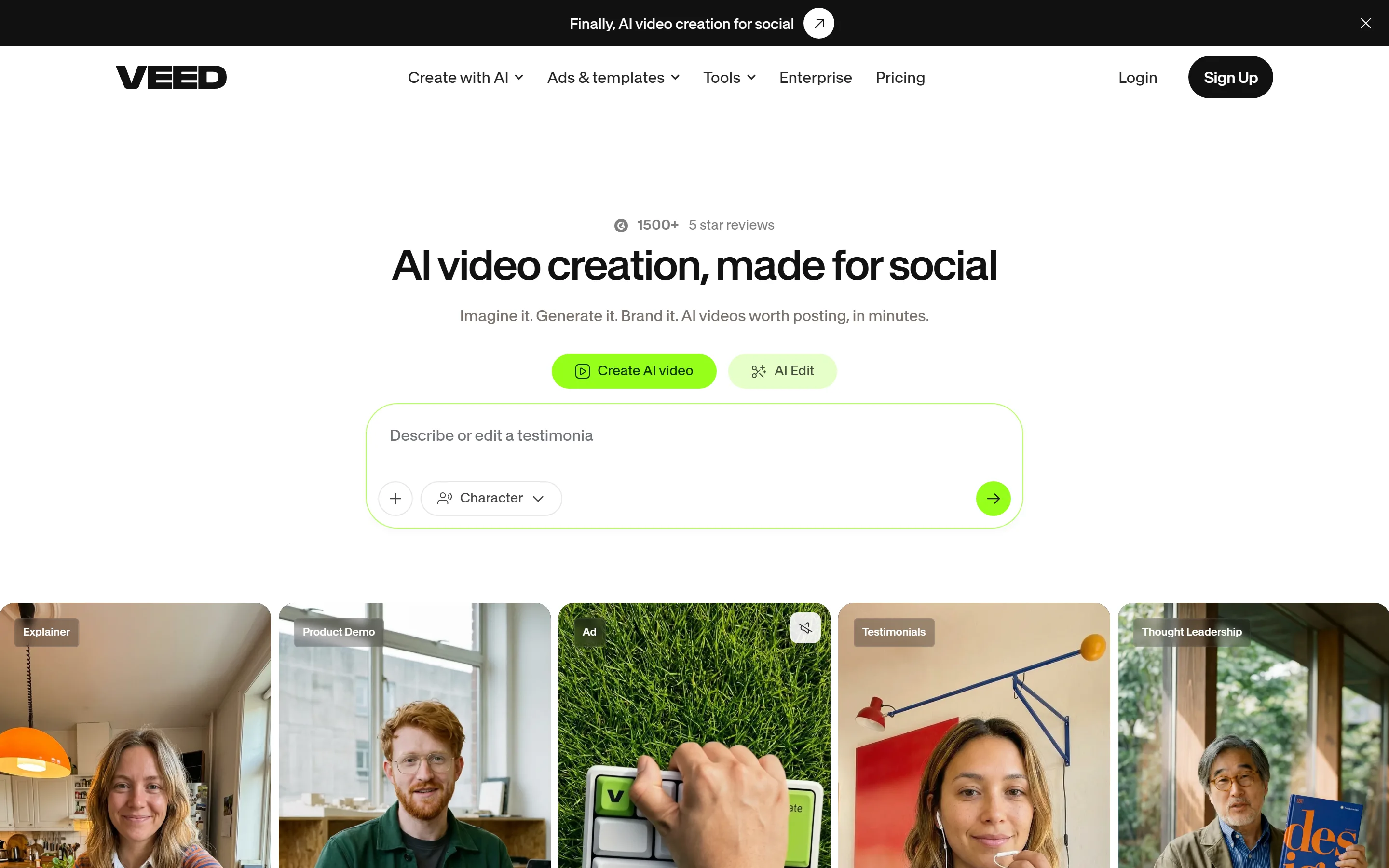
The short answer
Choose Auto Subtitle Generator when
- You need to caption a finished clip and export it without a watermark on a free plan.
- You want SRT, VTT and TXT files without paying for a higher tier.
- You mainly publish short vertical video and want to check placement against platform interfaces.
Choose VEED when
- The video still needs editing: trimming, audio, B-roll or several clips.
- You need captions translated or speakers detected.
- You want AI video generation, dubbing or other editing tools under the same subscription as captions.
- You cut talking footage by editing the transcript rather than a timeline.
Side by side
| Question | Auto Subtitle Generator | VEED |
|---|---|---|
| Watermark on free exports | No watermark on any plan | Watermarked |
| Free export quality and limits | 1080p, up to 10 min / 500 MB | 720p Free, 1080p Creator, 4K Pro and above; 1 GB per file on Free |
| Free monthly allowance | 3 video projects / month | Not published |
| Subtitle files | SRT, VTT, TXT on every plan | SRT or VTT on Pro and Enterprise |
| Caption styles | 15 presets, word-level timing, platform overlays | Templates, fonts, effects, animation, auto-highlight |
| Styles on the free plan | Podcast Lower Third and Documentary | More advanced styles on higher tiers |
| Translation | Not offered | Minute-based, on Pro and Studio |
| Speaker detection | Not offered | Pro or higher |
| Paid price | $7/month or $60/year | Creator $12, Pro $22, Studio $39 per user / month, billed yearly |
| What else it does | Captions only | Full online video editor |
On a free plan
Auto Subtitle Generator
- No plan adds an Auto Subtitle Generator watermark to exported video, including Free.
- Free includes 3 distinct video projects per calendar month; revising and downloading the same project again that month uses the same slot.
- Free exports up to 1080p from videos up to 10 minutes and 500 MB.
- Every caption style can be previewed; 2 of them, Podcast Lower Third and Documentary, can be exported on Free. Premium styles need Starter to export. Accounts created before 4 October 2026 keep Clean Minimal and Documentary instead.
VEED
- VEED's help centre states that projects exported from a free account carry a VEED watermark, and that only a paid subscription exports without it.
- VEED's export help lists 720p on the Free plan, up to 1080p on Creator, and up to 4K on Pro, Studio and Enterprise.
- VEED's upload help limits each file to 1 GB on the Free plan and states no per-file duration limit.
Both let you try the captions before paying. Uploading, generating, editing and styling work without an account; Google or email sign-in is required to download anything.
Paying for more
Auto Subtitle Generator
- Starter costs $7 billed monthly or $60 billed yearly, with 200 MP4 exports a month, 4K output and videos up to 120 minutes and 5 GB.
- Guest projects are removed after a day, Free projects after 7 days and Starter projects after 90 days.
VEED
- VEED lists Creator at $12, Pro at $22 and Studio at $39 per user per month, billed yearly ($147, $265 and $465 a year), with Enterprise on custom pricing.
- VEED's pricing FAQ says all paid plans include unlimited subtitle generation subject to a fair-use limit of 50 hours per month, with more advanced subtitle styles on higher tiers. Free-plan subtitle limits were not stated on the page.
Editing and styling the captions
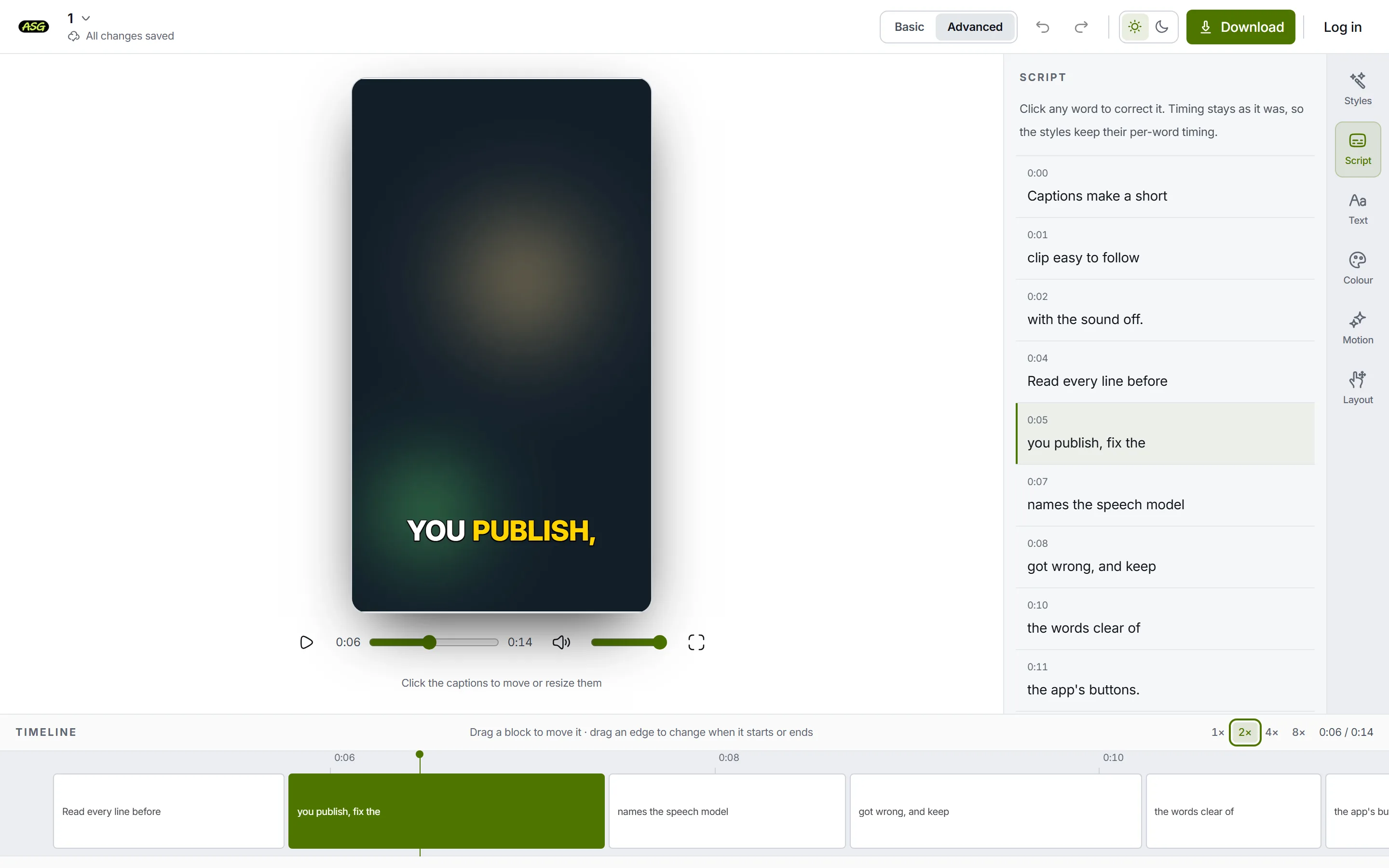
Captions carry word-level timing, so the 15 preset styles can highlight or reveal the word being spoken, and placement can be checked against TikTok, Instagram Reels and YouTube Shorts interface overlays. Words are corrected in a script panel or directly on the video, and caption timing can be adjusted on a timeline.
VEED's subtitle help describes editing generated subtitles line by line, with low-confidence words highlighted for review and timing controls for each line. VEED's subtitle help lists preset templates with control over font, size, colour, outline and shadow, background, animations, auto-highlighting and emoji; its pricing FAQ says more advanced styles unlock on higher tiers.
VEED can also cut the video itself from the transcript, which Auto Subtitle Generator cannot. VEED's Edit by Script cuts a video by editing its transcript: delete a word and the matching footage goes, restore it and the footage returns. VEED lists it on all plans.
Files, translation and speakers
Auto Subtitle Generator
- SRT, VTT and TXT files can be downloaded on every plan after signing in, and do not use a video project slot.
- The product does not translate captions, label or detect speakers, find clips in a longer video, or post to social platforms.
VEED
- VEED's subtitle help says subtitle files can be downloaded as SRT or VTT on Pro and Enterprise plans.
- VEED lists translation into 50+ languages on Pro and Studio; its FAQ says translations are counted in minutes against the plan allowance, and its help says translation uses AI credits.
- VEED's subtitle help describes Detect Speakers as a paid feature available on Pro or higher.
Which one fits your video
Subtitles are one tool inside VEED's wider browser editor, which also lists AI video generation, audio tools, background removal, translation and dubbing. It is a caption tool: no trimming, music, B-roll, multi-clip timeline or general video editing.
If the video is not finished yet, VEED can do work Auto Subtitle Generator cannot. If it is finished and needs captions, Auto Subtitle Generator asks less of you. The uploader accepts MP4, MOV, WebM and MKV video files from the device, up to 120 minutes on any plan. There is no audio-only upload and no import from a URL.
Frequently asked questions
Is Auto Subtitle Generator free without a watermark?+
No plan adds an Auto Subtitle Generator watermark to exported video, including Free. Free includes 3 distinct video projects per calendar month; revising and downloading the same project again that month uses the same slot.
Does VEED add a watermark on its free plan?+
VEED's help centre states that projects exported from a free account carry a VEED watermark, and that only a paid subscription exports without it.
Which one can translate captions?+
VEED. VEED lists translation into 50+ languages on Pro and Studio; its FAQ says translations are counted in minutes against the plan allowance, and its help says translation uses AI credits. Auto Subtitle Generator does not translate.
Can I download an SRT file from either?+
SRT, VTT and TXT files can be downloaded on every plan after signing in, and do not use a video project slot. VEED's subtitle help says subtitle files can be downloaded as SRT or VTT on Pro and Enterprise plans.
Which one is more accurate?+
Accuracy depends more on the recording than on the tool: accents, crosstalk and background noise trip every model. What differs is how you check. VEED highlights the words its model is least sure of; Auto Subtitle Generator lays the transcript out line by line beside the playing video. Read the captions before you publish, on either.
Try it on your own clip
Automatic captions are easiest to judge on real footage. Upload a video to generate and preview captions without an account; signing in is only needed to download.
Upload a video to caption