
Kapwing alternatives for captioning a video
Kapwing is a collaborative browser studio with a strong subtitle tool inside it. Some people want longer free videos and fewer limits; others want a different kind of editor altogether. Here is how each alternative compares with Kapwing.
What Kapwing does well, and why people look elsewhere
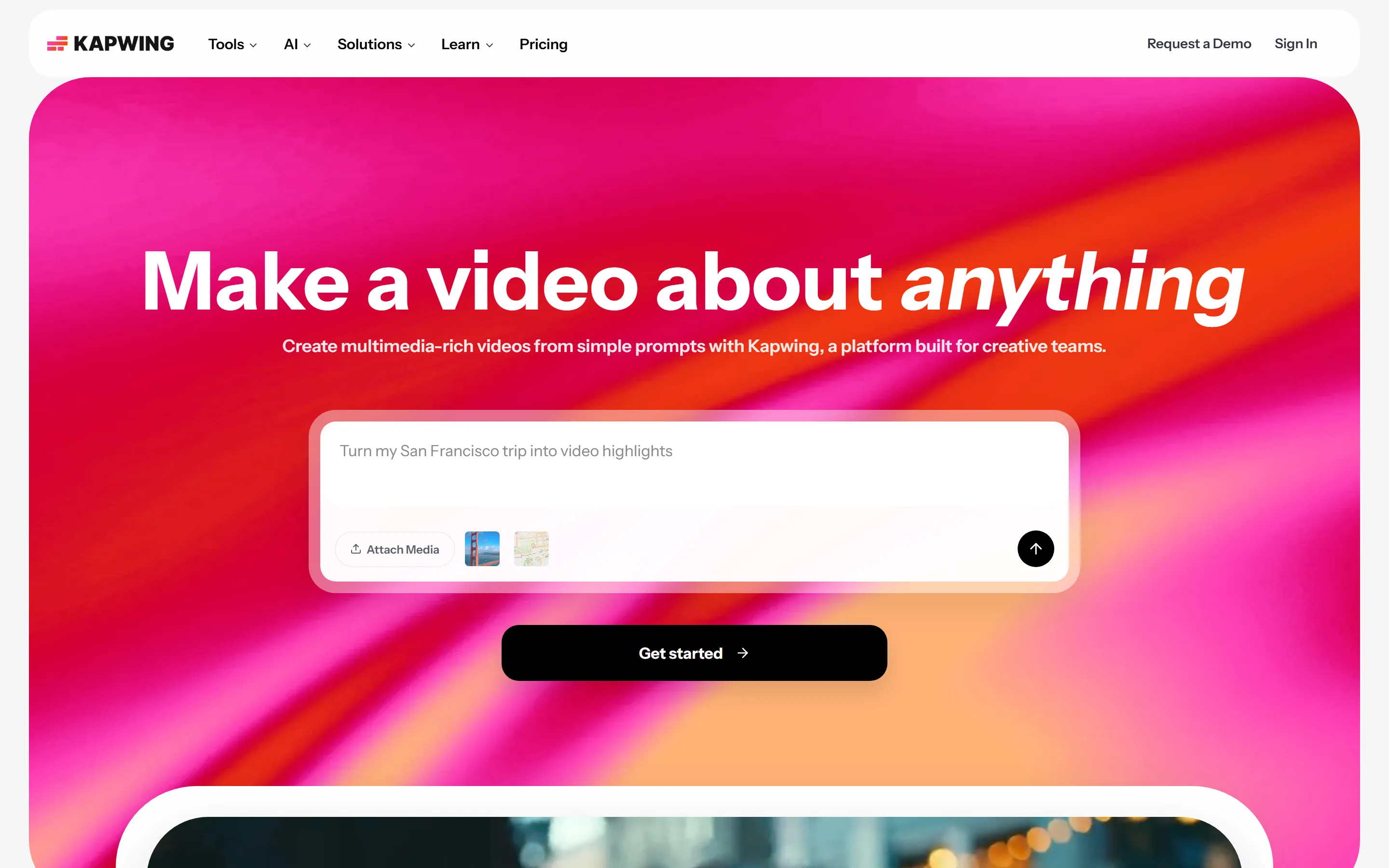
Kapwing presents itself as an online creative studio: video editor, subtitler, dubbing, clip maker, speaker focus and collaboration tools alongside captions. Kapwing's subtitle help lists font, size, colour, background, outline, drop shadow, capitalisation, animations and transitions, with bold, italic, underline and colour on individual words. Kapwing's help lists 155 language variants for subtitles and automated subtitle translation, with translation minutes allocated per plan on its pricing page.
- Free exports are limited. Kapwing's Free plan lists unlimited exports with a watermark, videos up to 4 minutes, 720p, a 30-minute monthly export limit, 2 GB uploads and 3 days of storage.
- Free subtitling is capped. Kapwing's Free plan includes auto-subtitling for up to 10 minutes, paid for with credits.
- Subtitle files need a paid plan. Kapwing's plan comparison marks SRT/VTT and transcript downloads as unavailable on Free and included on Pro, Business and Enterprise.
The alternatives at a glance
| Tool | Free video export | Team workspace | Subtitle files | Paid price |
|---|---|---|---|---|
| Kapwing (for reference) | Watermarked, 720p, 4-min videos, 30 export min/month | Shared workspace on Pro | SRT/VTT on Pro and above | Pro $16 billed yearly or $24 monthly; Business $50 or $64 |
| Auto Subtitle Generator | No watermark on any plan; 1080p, up to 10 min / 500 MB | No shared workspace | SRT, VTT, TXT on every plan | $7/month or $60/year |
| VEED | Watermarked; 720p Free, 1080p Creator, 4K Pro and above | Team management on Enterprise | SRT or VTT on Pro and Enterprise | Creator $12, Pro $22, Studio $39 per user / month, billed yearly |
| Descript | Watermarked, 720p; 1 media hour a month on Free | Teams of up to 3 on Creator, 5 on Business | SRT or VTT as a separate file | Hobbyist $24 monthly or $16/month yearly; Creator $35 or $24 |
Each alternative, measured against Kapwing
Auto Subtitle Generator
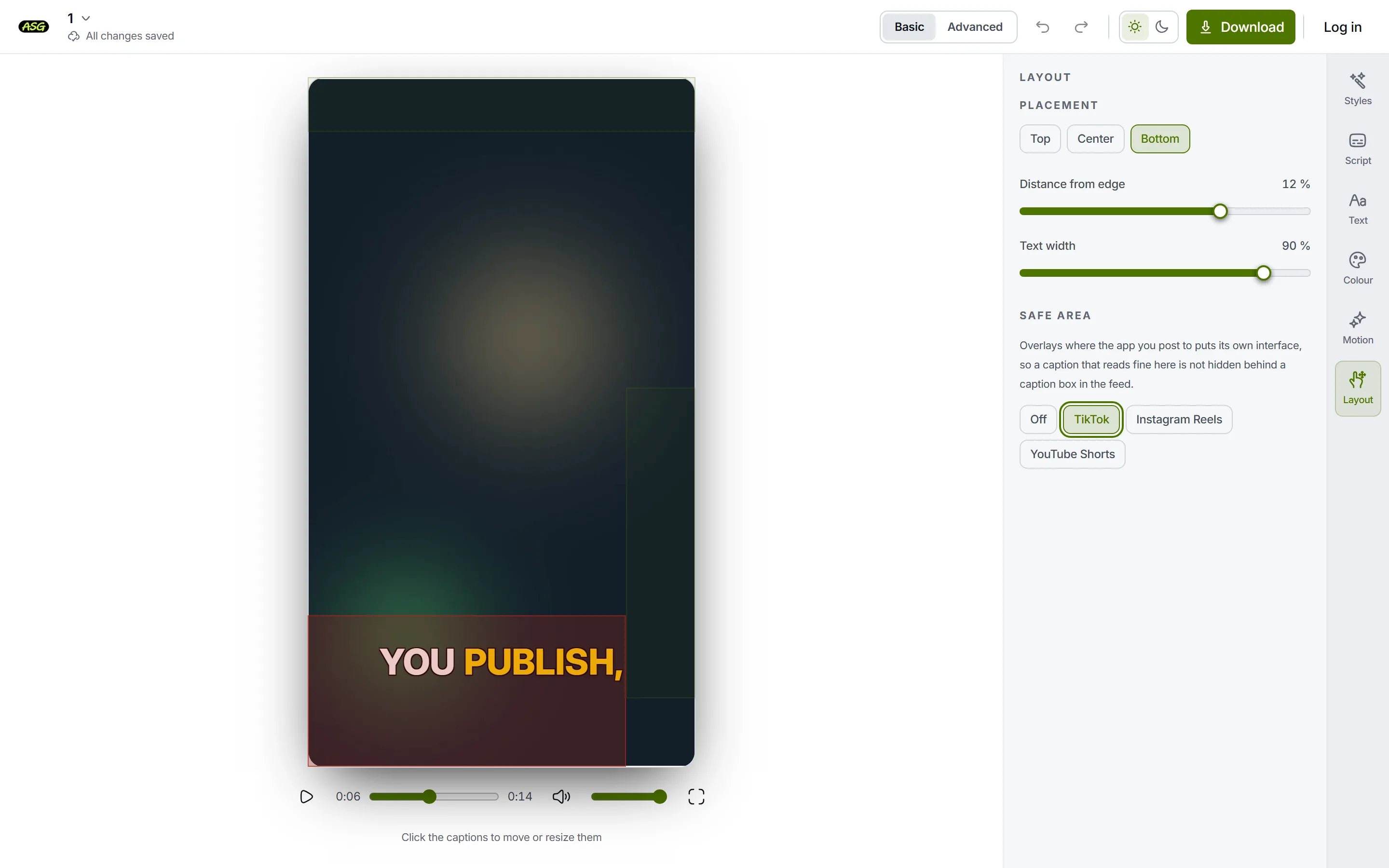
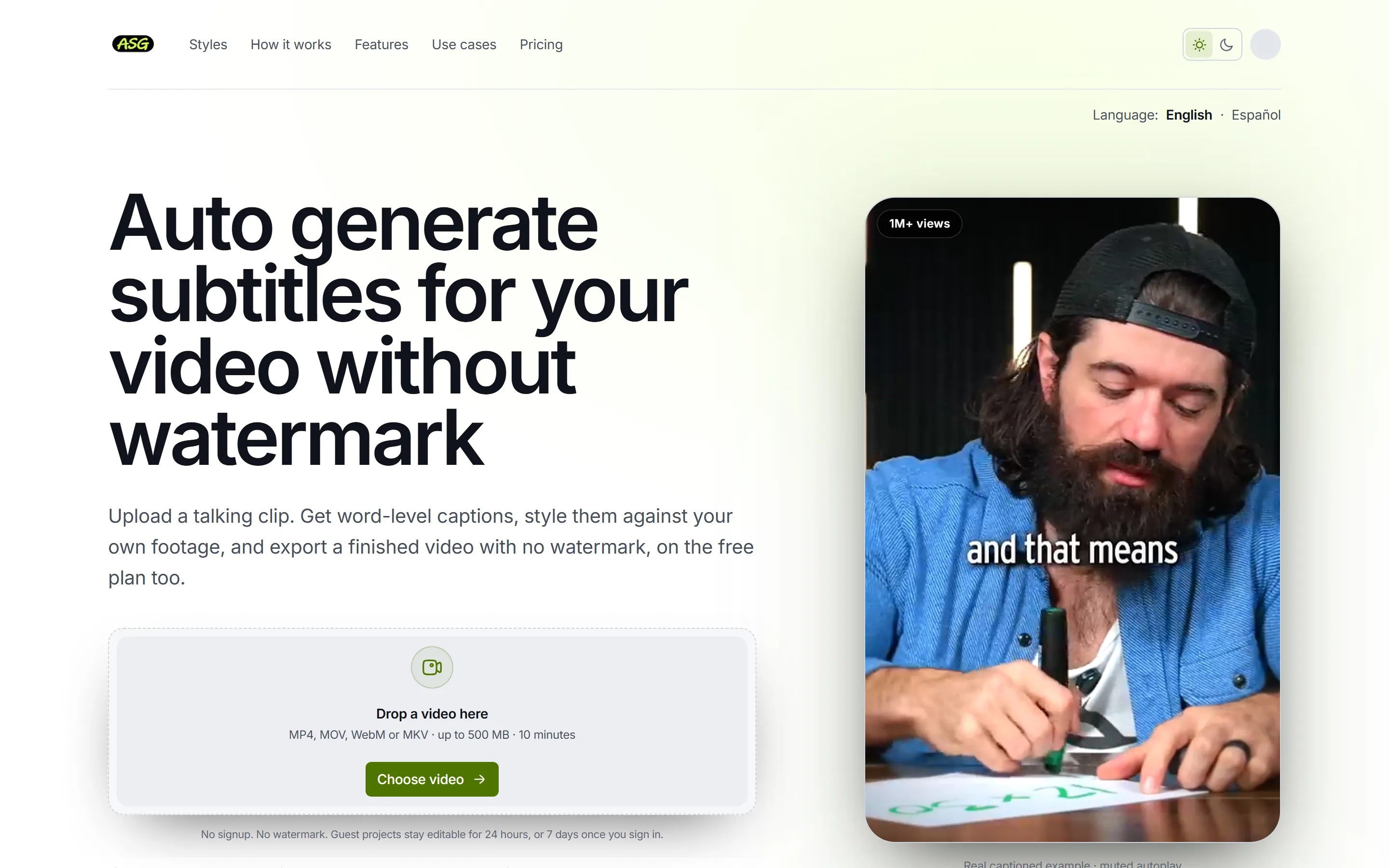
Where Kapwing is a studio a team shares, this is a single-purpose tool for one person captioning a video that is already cut.
Better than Kapwing
- No watermark on free exports; Kapwing's Free plan adds one.
- Free videos up to 10 minutes at 1080p, where Kapwing's Free plan stops at 4 minutes and 720p.
- SRT, VTT and TXT files on every plan; Kapwing puts subtitle files on Pro and above.
- Starter costs $60 a year; Kapwing's Pro is $16 a month billed yearly.
No better than Kapwing
- No shared workspace, so it does not replace Kapwing for a team.
- No translation or speaker labels, both documented on Kapwing.
- No video-editing timeline and no Trim with Transcript: correcting the text changes the captions only.
- Free covers 3 video projects / month, and only the Podcast Lower Third and Documentary styles export on it.
VEED
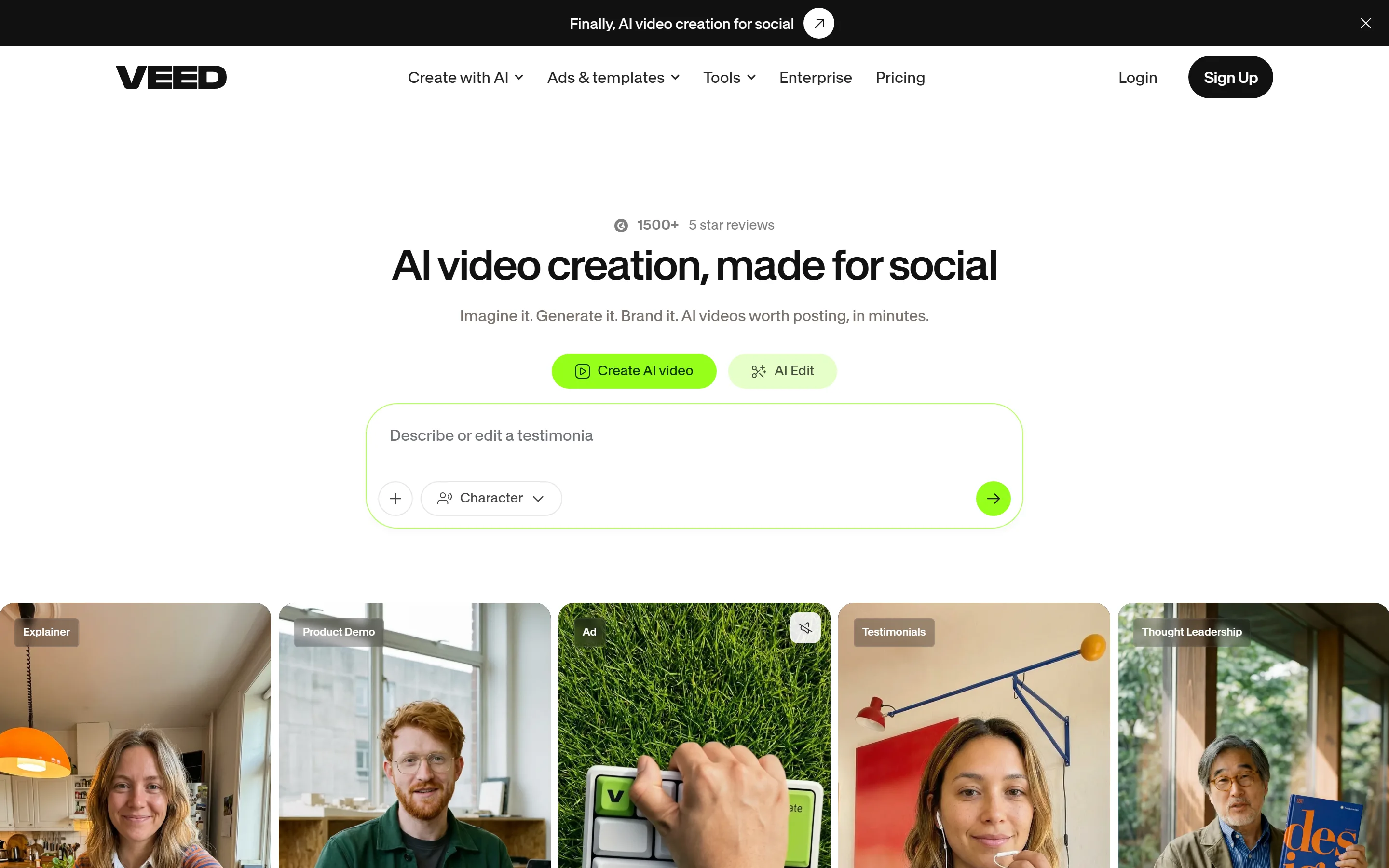
The nearest equivalent to Kapwing: another all-in-one browser editor, with AI tools and translation built in.
Better than Kapwing
- No duration limit on free files, where Kapwing stops free videos at 4 minutes; VEED caps free uploads at 1 GB instead.
- Its cheapest paid plan, Creator, is $12 a month billed yearly, below Kapwing's Pro at $16.
No better than Kapwing
- Free exports are watermarked and 720p, as they are on Kapwing.
- Subtitle files need Pro, VEED's second paid plan.
- Team management is on Enterprise, where Kapwing shares a workspace from Pro.
Descript
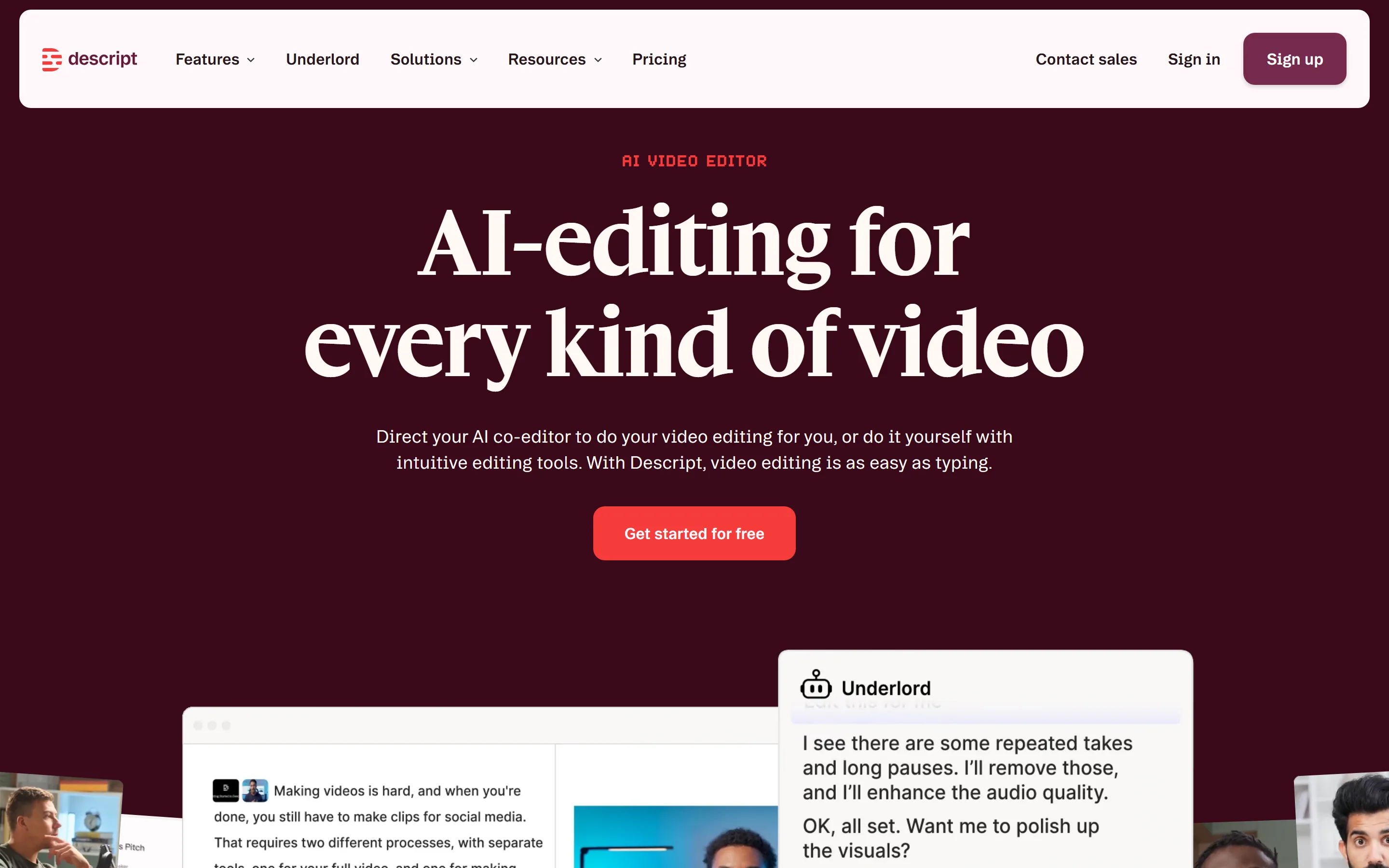
A different kind of editor from Kapwing: you work mainly in the transcript. Kapwing's Trim with Transcript removes a section of video when you highlight it in the transcript and delete it. Descript builds the whole product around that idea.
Better than Kapwing
- Transcript editing is the core of the product rather than one tool in a timeline editor.
- Recording and AI audio cleanup built in, for podcasts and talking video.
No better than Kapwing
- Free exports are watermarked and 720p, as on Kapwing, with 1 hour of media a month.
- Priced per person, with Hobbyist at $16 a month billed yearly, the same as Kapwing's Pro.
- Teams are capped: up to 3 on Creator and 5 on Business.
Also worth a look
- Clipchamp. A timeline editor from Microsoft rather than a shared browser studio. Microsoft's help for Clipchamp, covering personal and work accounts, describes editable, styleable autocaptions that are exported as part of the video, with a separate .SRT download. The article does not say which plans include it. Which plans include autocaptions is not published.
- YouTube Studio. No workspace, no editor and no export: the opposite trade from Kapwing. YouTube creates automatic captions for uploaded videos in supported languages. Its help says they may not be ready at upload, can misrepresent speech, and can be reviewed and edited in YouTube Studio. For a video that only lives on YouTube, it may be enough.
When Kapwing is still the better choice
- Several people edit the same projects. Kapwing's Pro plan card lists a collaborative shared workspace, a Brand Kit and custom fonts.
- You need subtitles translated or speakers labelled. Kapwing documents a speaker label feature for subtitles, which assigns and renames labels for different speakers after transcription.
- The video still needs trimming, resizing or other editing before captions.
- You want paid exports without a watermark, in 4K and up to two hours long. Kapwing's Pro plan removes the watermark and lists 4K export, 6 GB uploads, 120-minute video export length and up to 1,000 auto-subtitling minutes a month.
Frequently asked questions
Is there a Kapwing alternative that exports without a watermark for free?+
No plan adds an Auto Subtitle Generator watermark to exported video, including Free. VEED and Descript both state that free exports are watermarked.
Which alternative allows longer free videos than Kapwing?+
Kapwing's Free plan stops at 4 minutes. Free exports up to 1080p from videos up to 10 minutes and 500 MB. VEED's upload help limits each file to 1 GB on the Free plan and states no per-file duration limit.
Which alternative gives SRT files on a free plan?+
SRT, VTT and TXT files can be downloaded on every plan after signing in, and do not use a video project slot. Kapwing lists SRT and VTT downloads from Pro; Descript documents SRT or VTT export without stating a plan.
Which alternative is best for teams?+
Kapwing itself, if collaboration is the point. Descript's Creator plan scales to a team of 3 and Business to a team of 5, with each seat billed separately. VEED's Enterprise plan lists central management of teams and data, review mode for videos and privacy controls. Auto Subtitle Generator has no shared team workspace.
Try it on your own clip
Automatic captions are easiest to judge on real footage. Upload a video to generate and preview captions without an account; signing in is only needed to download.
Upload a video to caption