
Motion: animation, emphasis and grouping
How the subtitles arrive on screen, which word is picked out as it is spoken, and how many words and lines are shown together.
Last updated
How do you choose how captions appear?
Open Motion
Click Motion in the rail, or Motion and emphasis in the small toolbar above the selected words. How captions appear is at the top, and the option chosen has a line under it explaining what it does.
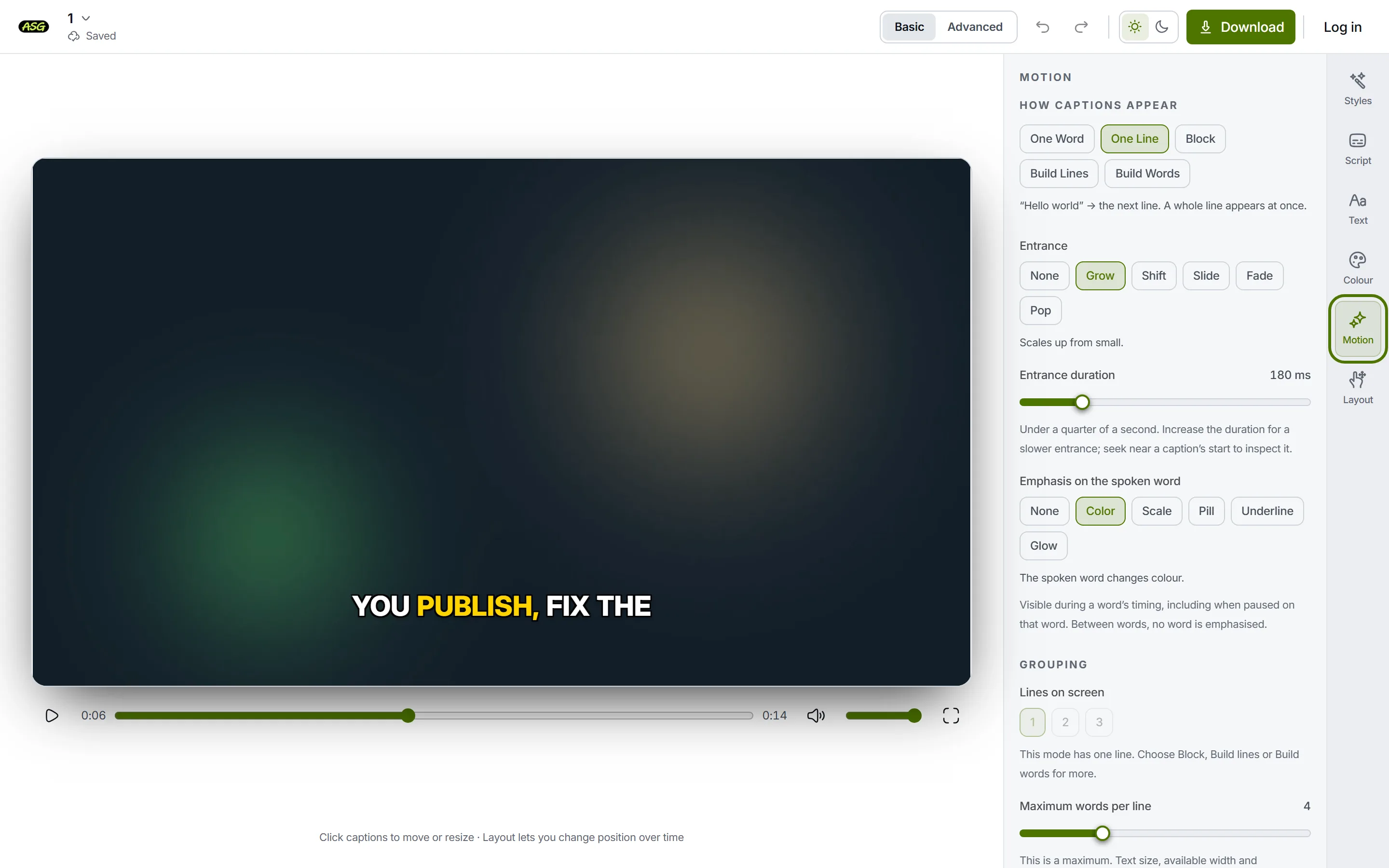
The Motion panel, top to bottom. Pick a mode
The video changes at once. Play a few seconds to see the rhythm; a paused frame shows only one moment of it.
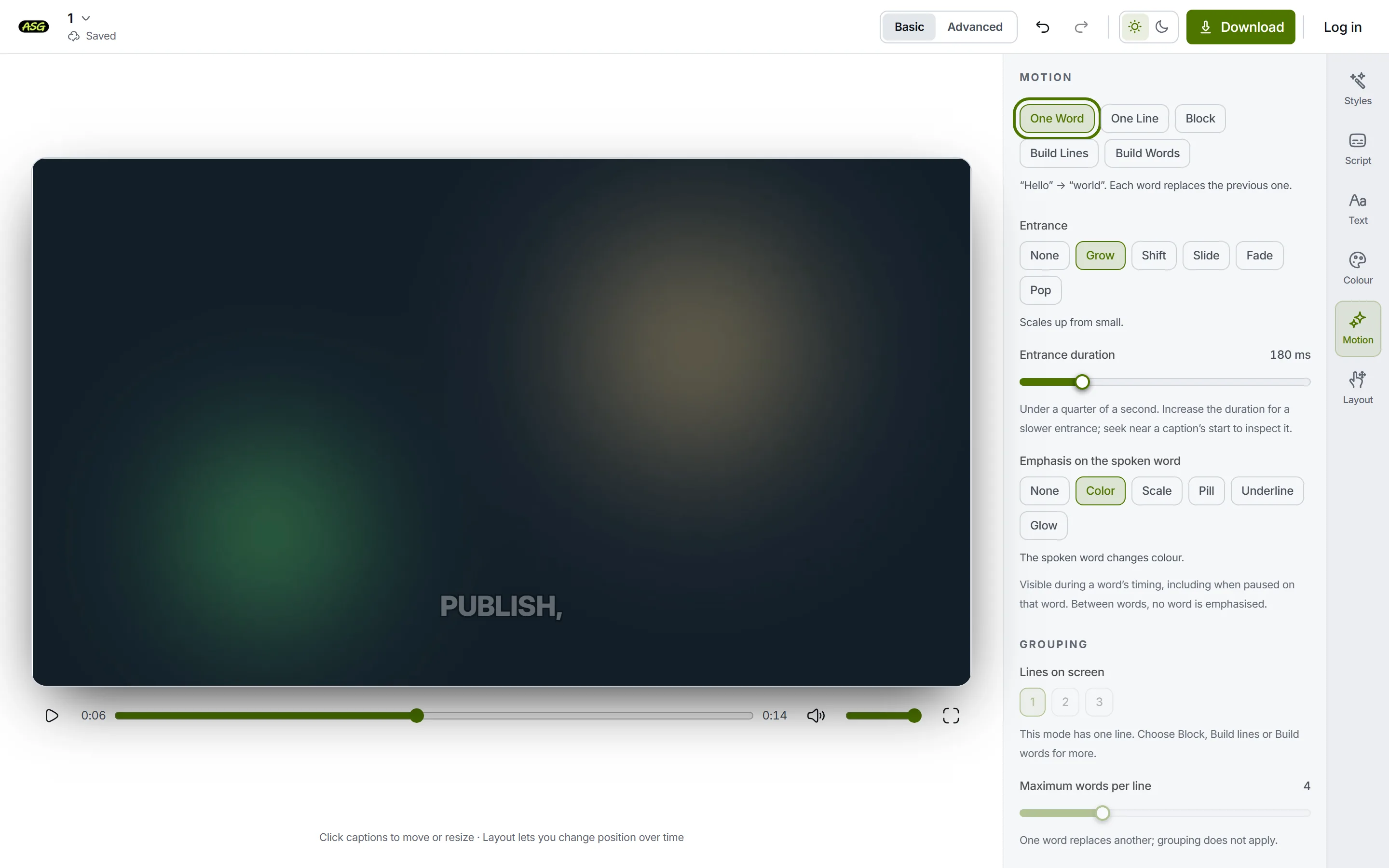
One word: each word replaces the last.
| Mode | What you see |
|---|---|
| One word | Each word replaces the previous one: "Hello", then "world". |
| One line | A whole line appears at once, then the next line replaces it. |
| Block | Two or three whole lines appear together, then the whole group is replaced. |
| Build lines | The first line appears, the next line joins it, and the group clears together. |
| Build words | Words add up as they are spoken, "Hello", then "Hello world", then the group clears. |
How do you change the entrance?
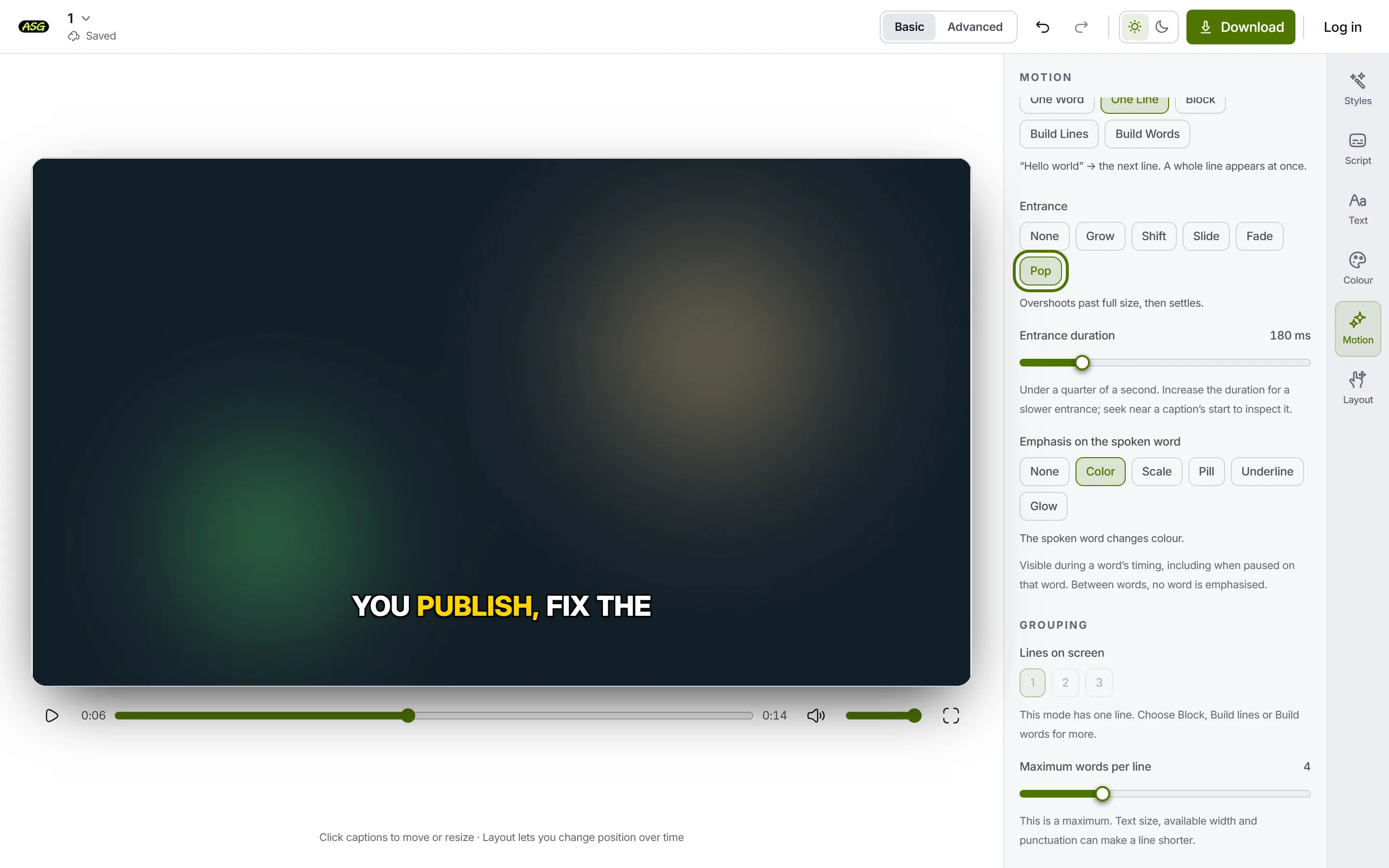
| Entrance | What it does |
|---|---|
| None | The words cut straight in. |
| Grow | Scales up from small. |
| Shift | Rises into place from below. |
| Slide | Slides in from the side. |
| Fade | Fades up from transparent. |
| Pop | Overshoots past full size, then settles. |
Entrance duration runs from 0 to 900 milliseconds. At 0 the entrance is instant, and choosing an effect then sets 200 ms so you can see it. A long entrance can outlast a short line, so keep it brief for fast speech. The slider is unavailable while the entrance is None.
How do you pick out the spoken word?
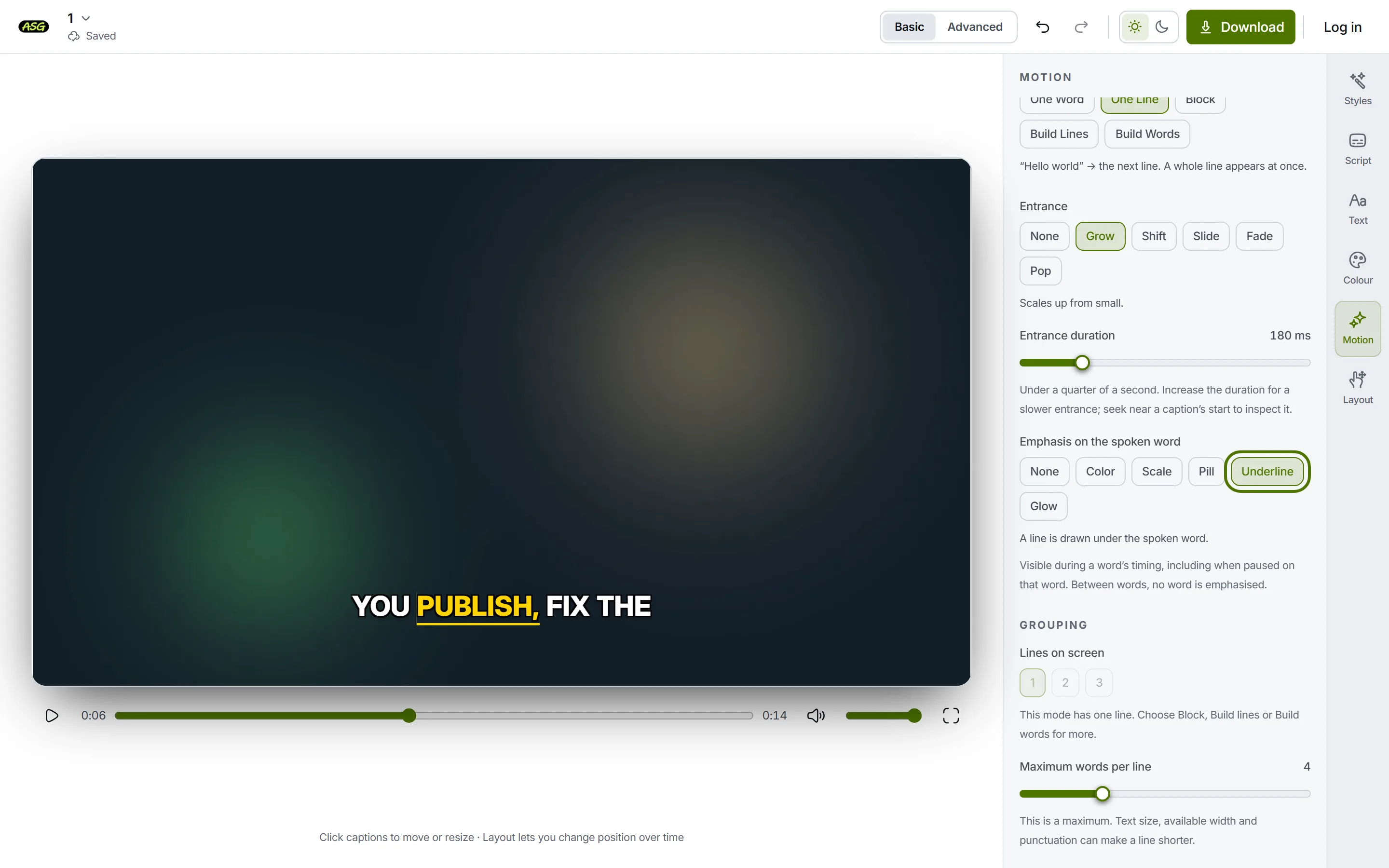
| Emphasis | What happens to the spoken word |
|---|---|
| None | Nothing extra. Every word looks the same. |
| Color | It changes to the Spoken word colour. |
| Scale | It grows. |
| Pill | A filled box sits behind it. |
| Underline | A line is drawn under it. |
| Glow | It is lit from behind. |
The emphasis shows while a word is being spoken, including when the video is paused on that word; between words, no word is picked out. Its colours are set in Colour. If Color seems to do nothing, the Spoken word and Every other word colours are the same: the panel says so and suggests changing one. For examples of these effects, see subtitle text animations.
What does Grouping change, and what does it leave alone?
Grouping decides how the words are laid out in the video: how many lines can be on screen together and the most words a line may hold. It is a layout setting for the burned-in subtitles, applied the same way in the preview and in the MP4.
Set the lines on screen
Under Lines on screen, choose 1, 2 or 3. One word and One line show a single line, so the choice is unavailable there; with one line, Block and Build lines look the same.
Set the most words per line
Maximum words per line runs from 1 to 12. It is a maximum: a large text size, a narrow text width or a full stop can end a line sooner. One word mode ignores it.
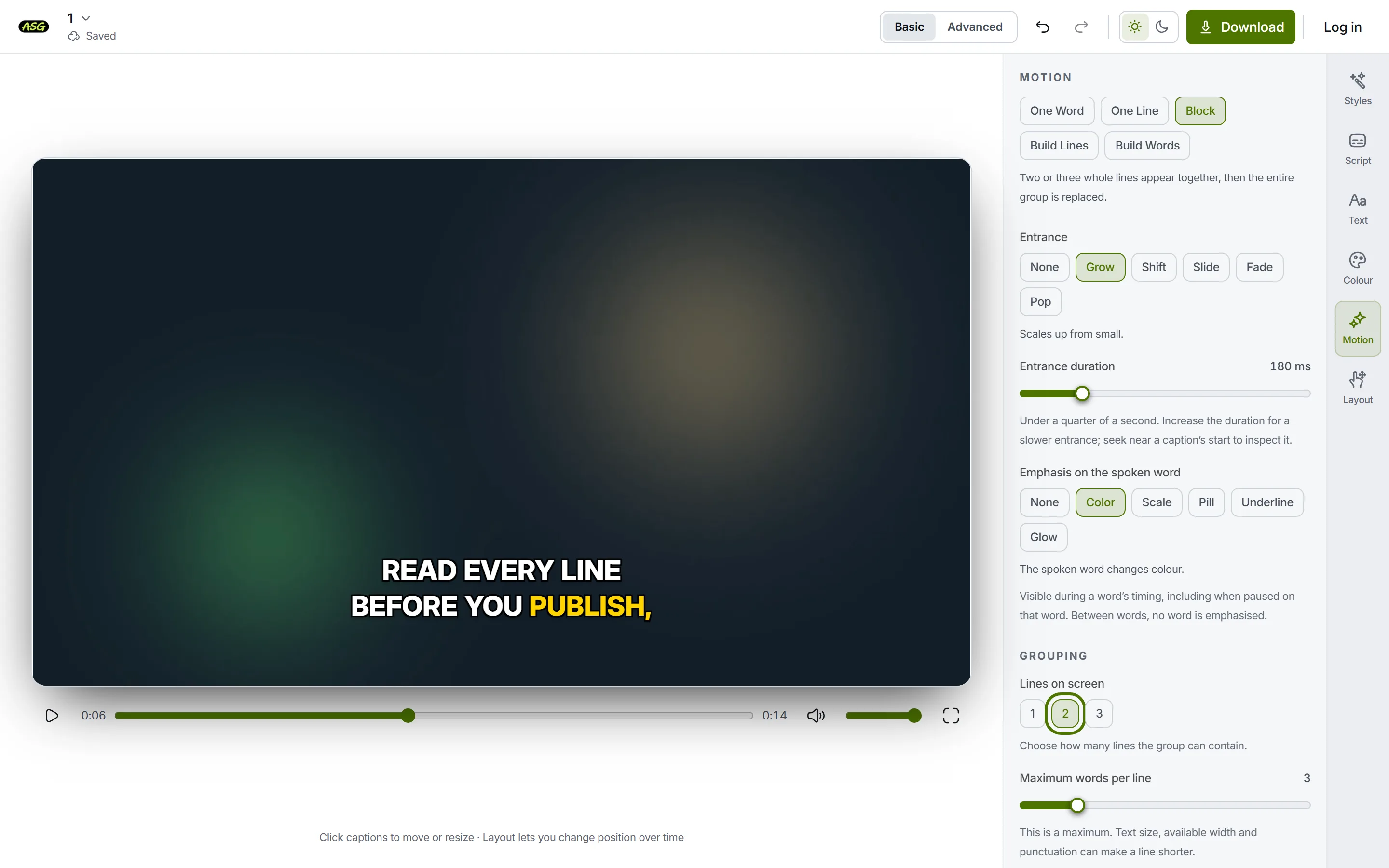
Two lines of up to three words, in the video. Check the Script panel
Open Script: the lines there have not changed. They are still the lines the project was created with, and so are the timeline blocks and the subtitles in a caption file.
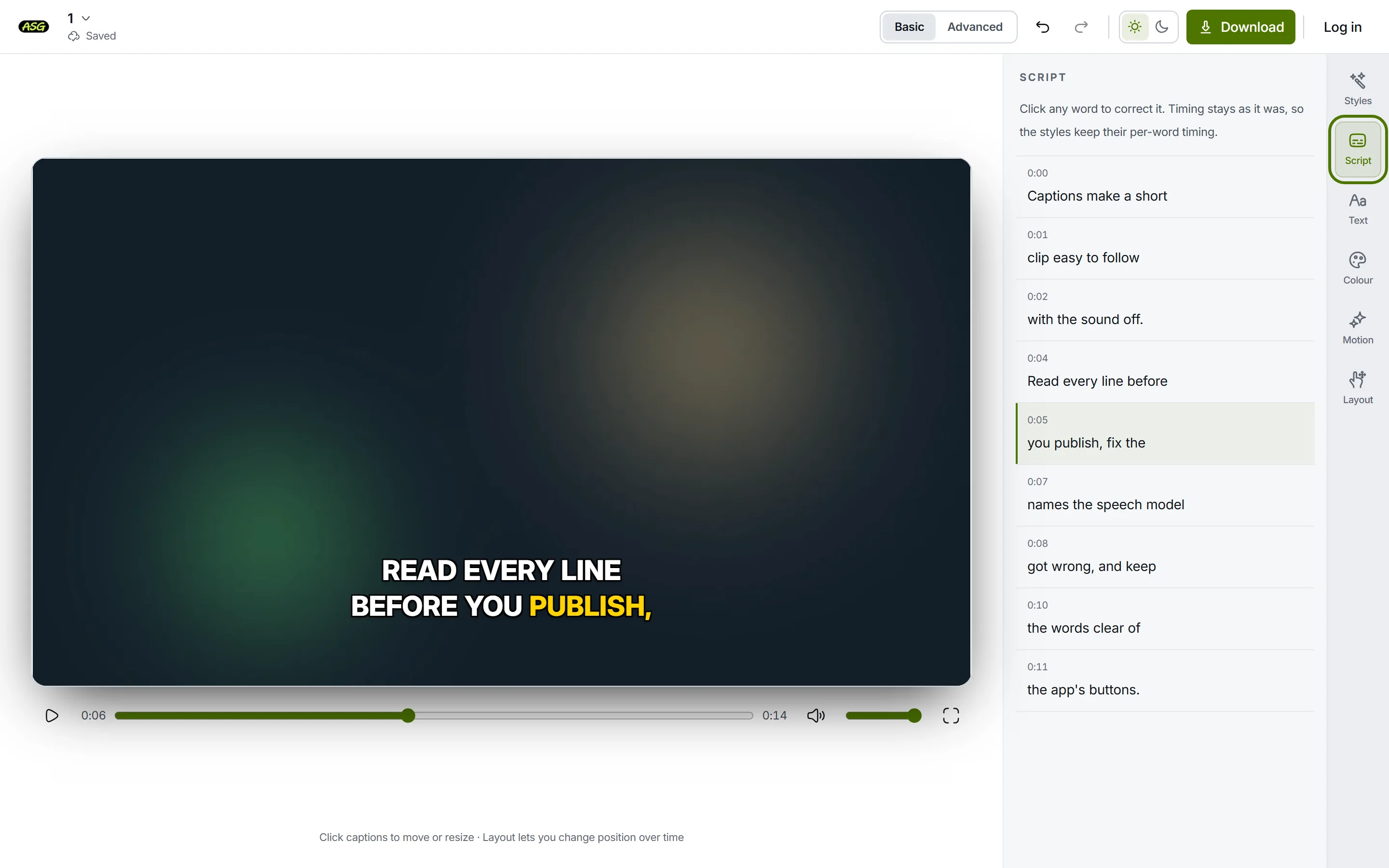
Script keeps its lines; only the video's layout changed.
| Output | Follows Grouping? |
|---|---|
| The subtitles burned into the video | Yes. The preview and the downloaded MP4 use it. |
| Lines in the Script panel | No. They keep the lines cut when the project was created. |
| Blocks on the timeline | No. One block per Script line. |
| SRT and VTT subtitles | No. One subtitle per Script line, with that line's timing. |
| TXT transcript | No. One line of text per Script line. |
Script lines are cut once, when the project is created: up to four words each with most starting styles. There is no control to join or split them. If a caption file needs different line breaks, edit the downloaded file, which is plain text. Correcting the transcript explains where the lines come from.
What Motion does not do
- It does not re-cut the Script lines or change the subtitles in caption files.
- It does not change when words are spoken. Timing is changed on the timeline.
- It has no exit control. Each style clears the words in its own way.
- It does not animate one chosen line differently from the rest. Motion applies to the whole video.
- Caption files carry no motion. Players show SRT and VTT subtitles in their own plain way.
A project saved with an older version of a style may show Apply selected emphasis under the emphasis choices. Pressing it applies the chosen emphasis to the spoken words and keeps your layout.
Frequently asked questions
Why can't I see the entrance effect?+
It only lasts a fraction of a second at the start of each group. Play the video, or move to just before a line starts. A longer Entrance duration makes it easier to see.
How do I get word-by-word captions?+
Choose One word under How captions appear to show each word on its own, or Build words to add words one by one until the group clears.
Does Grouping change my SRT file?+
No. Caption files have one subtitle per Script line, cut when the project was created. Grouping only lays out the words burned into the video.
Can the words leave with an effect too?+
There is no exit control in the panel. Each style has its own way of clearing the words, and it stays as the style sets it.