
Projects: find, delete and how long they are kept
Every video you upload becomes a project that saves on its own. Here is where to find them, how to remove one, and when they are removed for you.
Last updated
Where are your projects?
Open Projects
Sign in, then open the account menu at the top right and choose Your projects. The page needs an account: before you sign in, it sends you to sign in first, and the project you were working on moves into your account when you do.
Read the cards
Each project is a card with its name, how long it has left (Expires in so many days, or hours in its last two days), the state of its latest MP4, and its own state on the right. The newest changes are at the top.
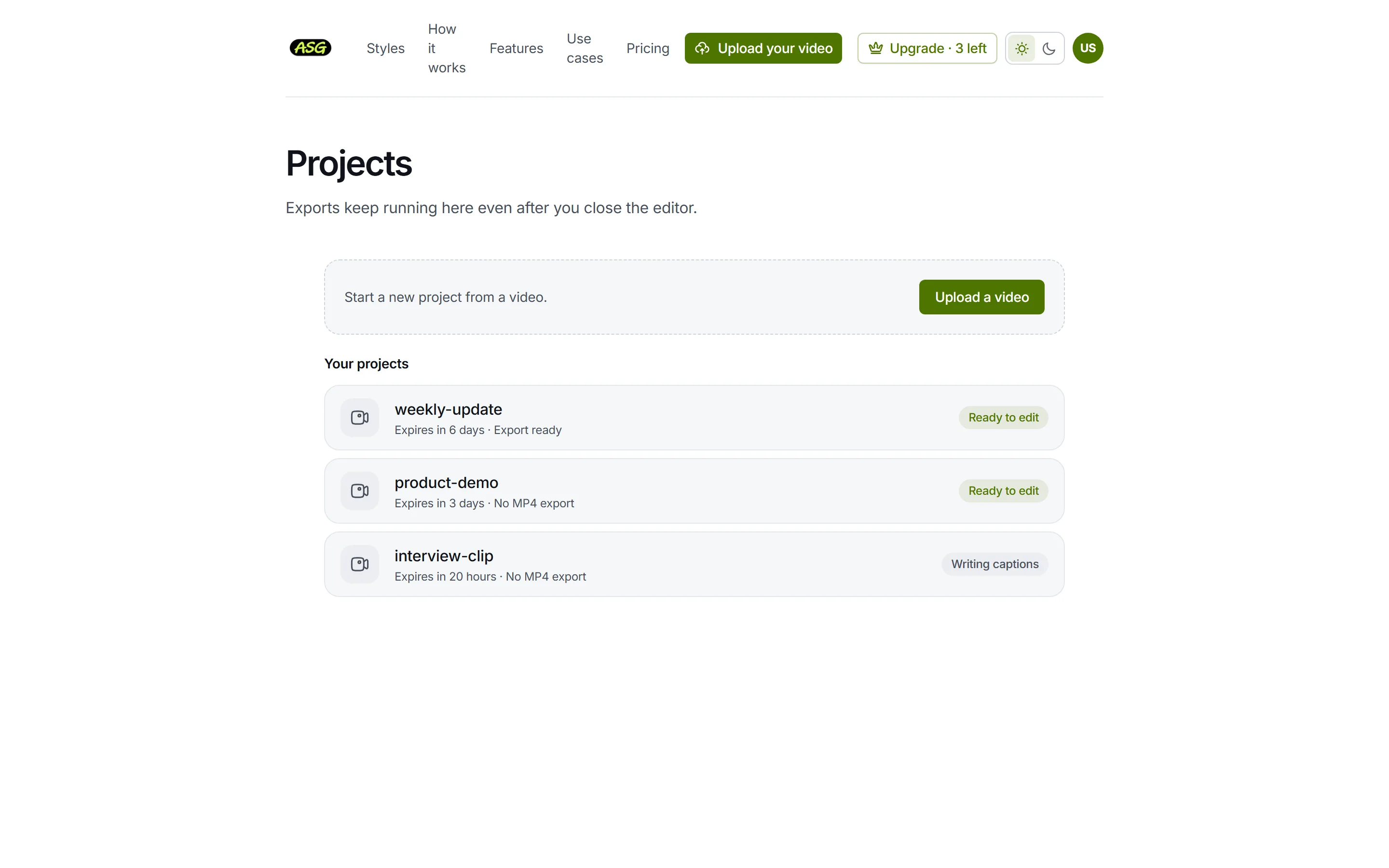
The projects page: one card per project, with what is left of its time. Open one
Click a card to open it in the editor, exactly as you left it. Upload a video above the list starts a new project from the homepage.
| Label | Meaning |
|---|---|
| Ready to edit | Transcribed and ready. Open it to edit or download. |
| Uploading, Checking the video, Writing captions | Still being prepared. The page keeps checking and updates on its own. |
| Needs attention | Something went wrong with the video. Open it to see why and what to do. |
| Export ready | An MP4 has been prepared and can be downloaded again without using your allowance. |
| Rendering… or Queued | An MP4 is being prepared. It carries on even if you close the editor. |
| Export failed · credit returned | Preparing the MP4 failed, and the use was given back to your allowance. |
| No MP4 export | No video has been prepared from this project yet. |
How do you switch projects in the editor?
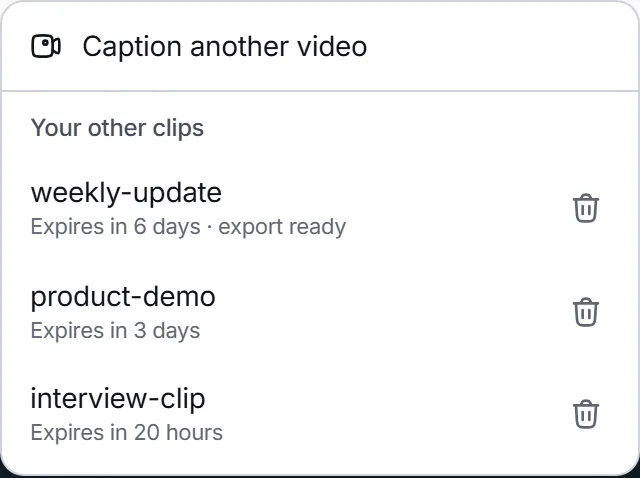
- Click the project name at the top left of the editor, above Saved.
- Caption another video goes to the homepage to upload a new one.
- Your other clips lists up to six of your other projects, most recently changed first, with the time each has left. Click one to open it.
- With more than six, See all opens the projects page with every one.
Can you rename a project?
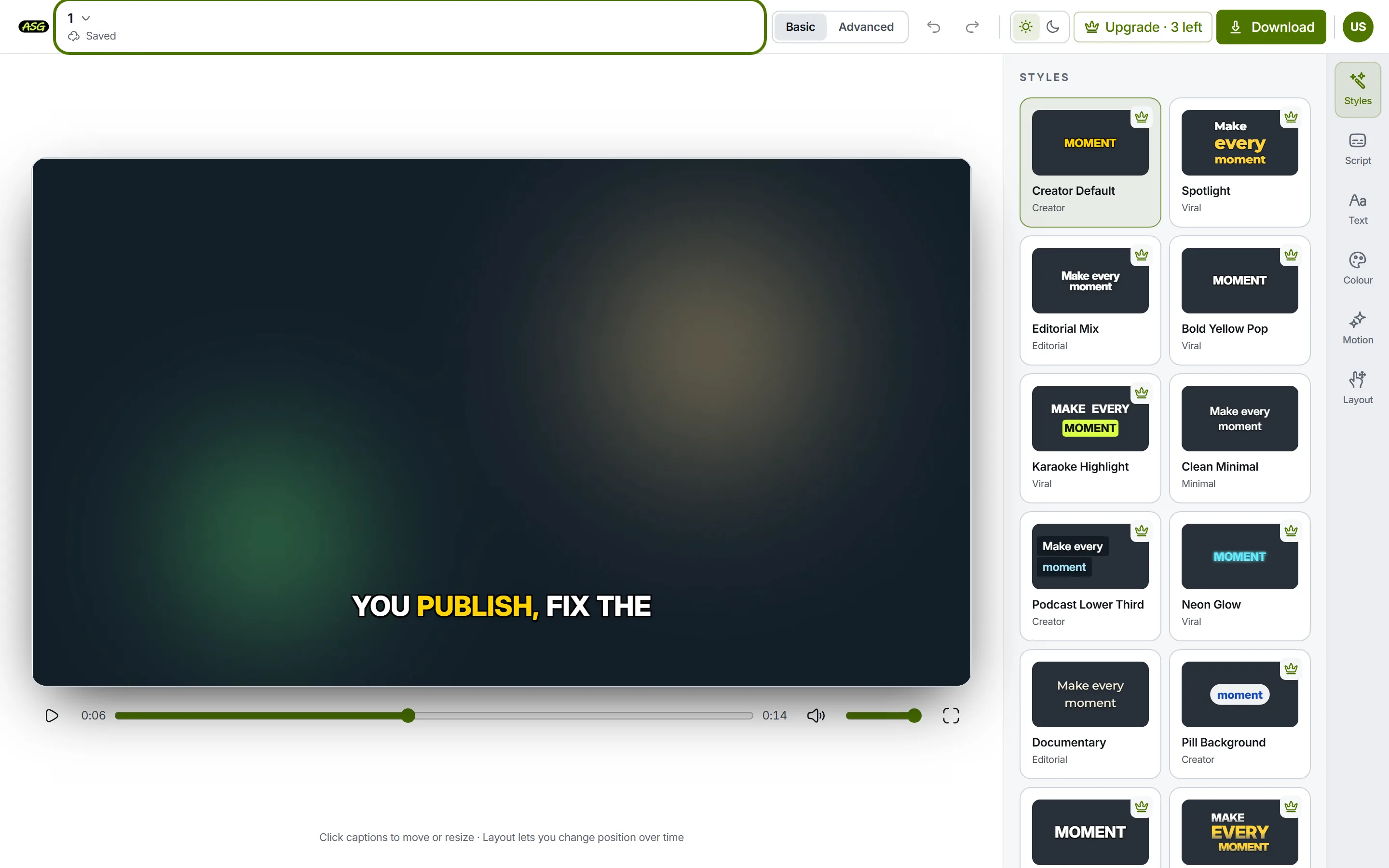
No. A project takes its name from the file you uploaded, without the extension: a file called interview-final.mp4 becomes interview-final. Names are cut at 120 characters, and a file with no usable name becomes Untitled video. To choose the name, rename the file on your device before you upload it.
How do you delete a project?
Open a different project
The menu lists your other projects, so the one you want to delete must not be the one open.
Click the project name at the top left
Find the project under Your other clips.
Click the bin beside it
The row asks Delete followed by the project's name for good?, and says that this permanently deletes the project, its video and all exports and cannot be undone.
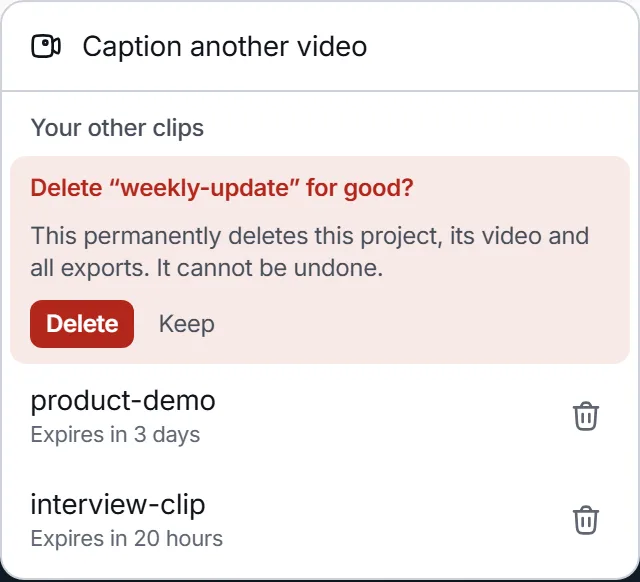
Nothing is deleted until you press Delete. Press Delete, or Keep
Delete removes it at once: it disappears from every list and can no longer be opened. Keep closes the question and changes nothing.
- Its files are removed from storage shortly afterwards, by a cleanup job that tries again if storage is briefly unavailable.
- A video already prepared from it still counts towards this month's allowance. A video still being prepared is cancelled, and that use is returned.
- The menu offers only the six projects changed most recently, and the projects page has no delete button. A project older than those is removed on its own when its time runs out.
- A connected AI assistant can also delete a project, one at a time and only after you confirm in its panel. See connecting an assistant.
How long are projects kept?
| Situation | Kept for | The period starts |
|---|---|---|
| Before you sign in | 1 day | When you upload |
| Signed in on Free | 7 days | When you upload, or when you sign in with a project made before signing in |
| Signed in on Starter | 90 days | When you upload, or when Starter starts for a project you already had, whichever is later |
- Signing in moves the projects you made before signing in into your account, and gives each the account's period from that moment: 7 days on Free.
- Starting Starter extends every project you still have to 90 days from when it was made or from when Starter started, whichever is later. A project's time is never shortened by this.
- Ending a subscription does not shorten the time a project already has. Projects made afterwards get the plan's period of the plan you are on.
- At the end of the period the project is deleted with everything in it: the video, the captions and every prepared MP4. It disappears from your lists and cannot be recovered.
Keep what you need
Download the MP4 and any SRT, VTT or TXT file before the card says the project has expired. Downloading a video you already prepared again does not use your allowance. Downloading shows how.
Starter keeps projects longer and prepares more videos a month. Plans and limits compares the two plans.
Frequently asked questions
Does editing a project keep it longer?+
No. How long a project is kept is set when it is created, when you sign in with it, and when you start Starter. Opening or editing it does not change the date.
Can I get a deleted or expired project back?+
No. Deleting removes the project, its video and every prepared download for good, and so does reaching the end of its period. Upload the video again to start a new project.
Does deleting a project give back part of my allowance?+
No, if its video was already prepared: that use stays counted for the month. A video still being prepared when you delete is cancelled, and that use is returned.
Is there a limit on how many projects I can keep?+
Projects are removed by age, not by number. Each one is deleted at the end of its own period.